
Your tracks.
One continuous flow.
Mix your music with two decks, on-device stem separation, and AutoMix. Built for the Mac, with your library at the center.
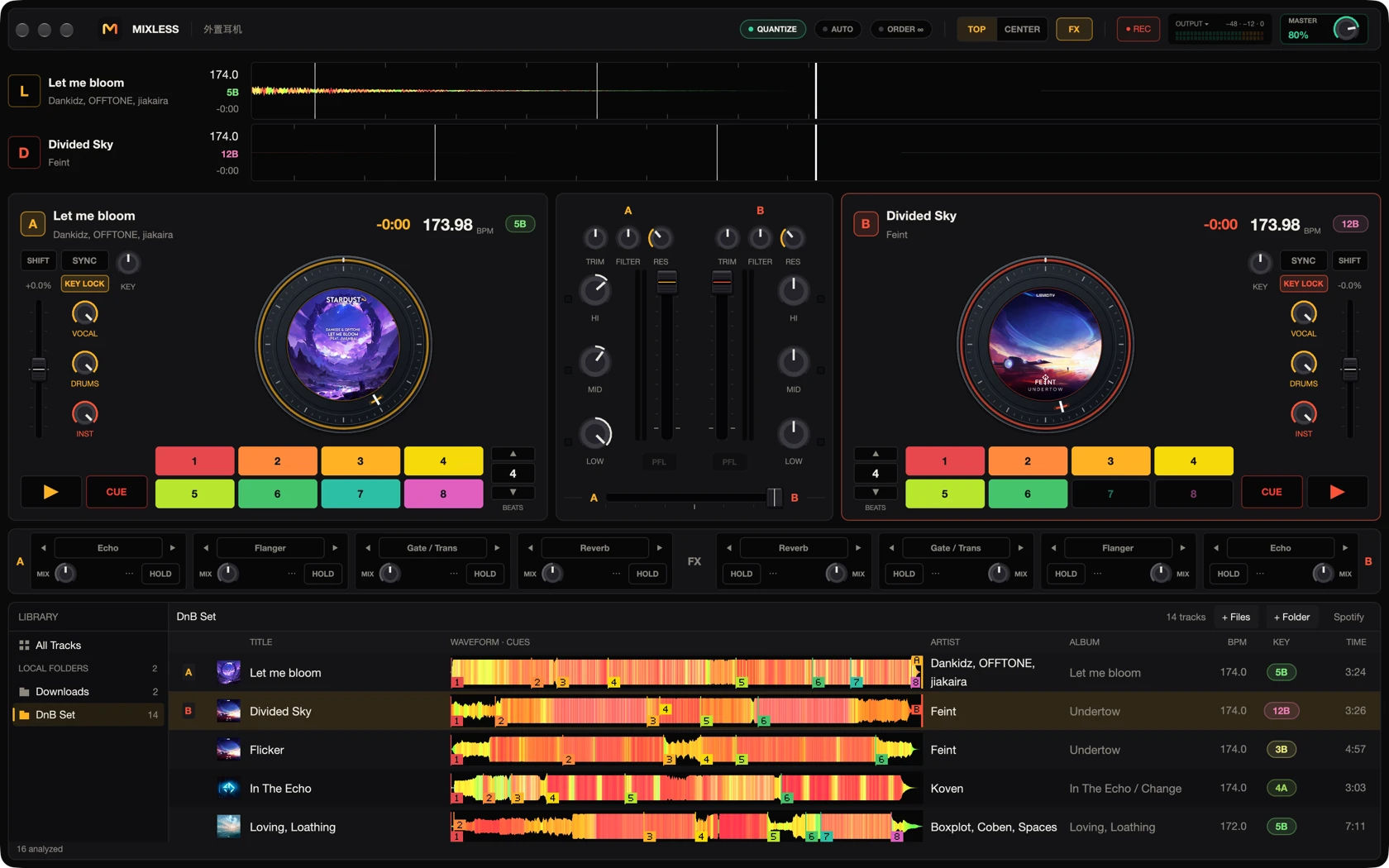
Mix by hand
Hot cues, loops, jog wheels, beat sync, and four effects slots per deck. Take control at any point in the set.
Shape each stem
Shape vocals, drums, and instruments independently with locally prepared stems.
Prepare on your Mac
Audio and analysis stay on your Mac. Download the models once, then prepare your music on device.
AutoMix, tuned to
the tracks you choose.
AutoMix compares phrases, tempo, key, energy, and vocals. Set your entry and exit cues, or take over a fader to shape the transition yourself.
How AutoMix worksLet the next track arrive in layers. Align the phrases and trade space across the frequency bands.
Transition illustration